Private access
Invite-led boards for known groups
A host creates the pool, shares access with their group, and keeps the page centered on that private matchup.

Use the 10x10 app to follow assignments, board status, and host updates from one private workflow.
Private Groups
Board Setup


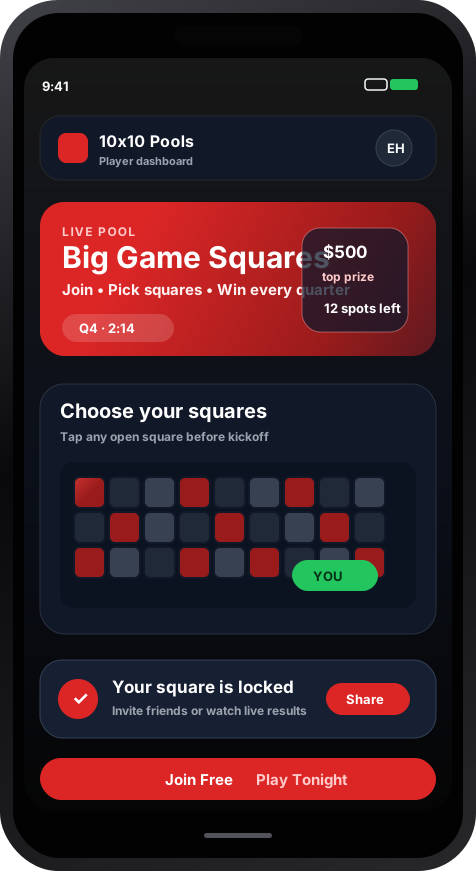
Use 10x10 to follow host updates, assignments, and private group board status
Download the 10x10 mobile app and create your player account in seconds
Open the private board link provided by your host and review the group context
Confirm the board details, assignment status, and host instructions
When the host is ready, the assignment workflow updates the board for the group
Follow board updates and host messages as the event unfolds.
Follow board status and host updates from one shared workflow
Hosts define access and keep the group workflow transparent
Invite-only boards keep each group focused
Stay informed with clear board status and group notifications
Start with your private group and keep every board organized
Bring your private group into one app for board access and host updates
Private Groups
Board Setup
Board Visibility
Update Speed
Product highlights
Real product behavior hosts can verify: private access, clear board control, and a simple software workflow.
Private access
A host creates the pool, shares access with their group, and keeps the page centered on that private matchup.
Host control
The public product story points to real workflow surfaces: setup, group access, selected squares, standings, and game-day state.
Software boundary
10x10 focuses on access, coordination, board state, and clear reporting for host-managed groups.
10x10 sells host software access — invite-only private boards with clear status for your group.
Explore common questions about 10x10 host software and digital access